Instagram is one of the most popular social media platforms nowadays, attracting millions of people all over the world. For some people, Instagram totally replaced Facebook and the rest of popular social media networks, while for others Instagram is just a nice supplement to what they had been using anyway. Posting on Instagram is relatively simple, however, it sometimes can cause some problems. How to post on Instagram and what should you remember about when starting your Instagram journey? Read on to find out more and be a king or queen of Instagram!
How to post on Instagram – common mistakes
There are a few things that may turn out to be troublesome when it comes to posting on Instagram. What are they, and what should you take into consideration when it comes to Instagram posting?
First of all, Instagram photos should never be of low quality. Sometimes this becomes the most common mistake – to publish photos that have not been edited, filtered or simply taken by the best device or in the best conditions. You may think now “oh, but Instagram photos are really small so no one will notice any difference in the quality”, however, it is not true! You can zoom in the photos and see every single detail, and if you want to look professional on Instagram you simply cannot let it happen.
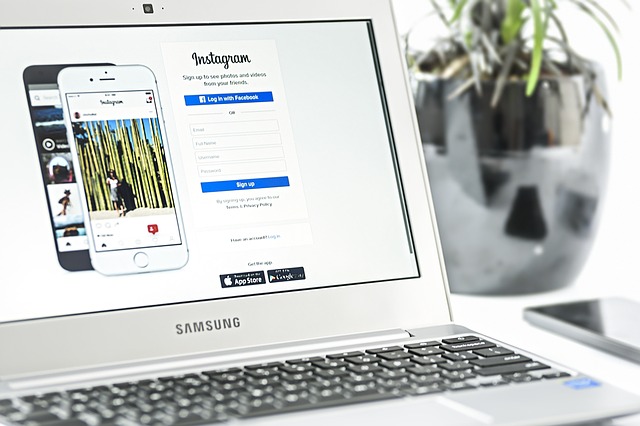
source: pixabay.com
Another mistake is to post something inappropriate and against Instagram terms & conditions. This kind of activity can result in your reach, removing the photo by Instagram moderation or even banning your whole account. It goes without saying that it can create a huge problem for you, especially if you put a lot of effort into creating the right profile and gathering followers.
How to post on Instagram – step by step
Posting on Instagram per se is fairly simple. You need to log in to Instagram and click on a square that is located in the bottom, right in the middle. Then, you have to choose a photo from your gallery (if you have taken it before) or just take a new one with your phone camera. If your camera takes worse photos than other devices you use, it is better to upload a photo from your gallery. You can adjust the photo as for the dimensions in this step.
What’s next? You will love this step – you can choose filters here! What does it mean? You can select from multiple amazing filters to put on your photo and make it sparkle. The filter you choose should suit the photo, but also your tone of voice and aesthetic of the profile overall. If you always choose light filters, posting something extremely dark can confuse your followers.
Then, you have to add a caption. In this step, you can identify your location, add some brief description (do not add links here, they are not clickable!) of your choice and choose a set of hashtags. You should take care of hashtags you choose – they should express what is on the photo or whatever that is related to it, and using some popular but irrelevant hashtags may bring you fake followers or no effect at all. Have fun!